Common Issues
If you’re seeing inaccurate results, or failing simulations, there are a few things to try.
Structural Analysis returned an error: Two common errors are a “failure to converge” and a “nearly singular or non-positive” error. In both of these cases, reducing the maximum element size or increasing the number of compute refinements is often a good solution. In the event of a non-positive error, try increasing the penalty factor.
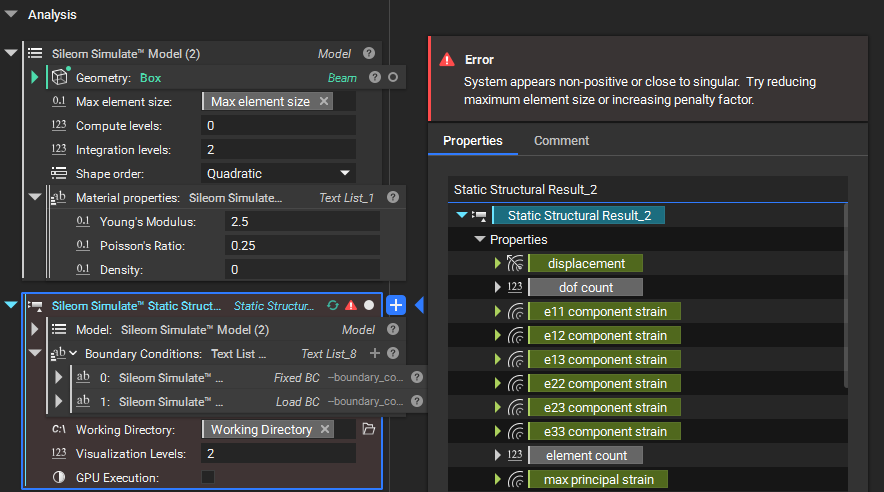
Results are all 0: This is often caused by a load condition which is not being applied. Check your boundary intersecting bodies. Remember that the maximum element size must be small enough to also resolve any features in these boundary bodies as well as in your problem domain. You can try increasing the dimensions of your boundary body, using directional constraints as necessary to preserve your desired surface. Or reduce your maximum element size if you can afford the increased computational cost.
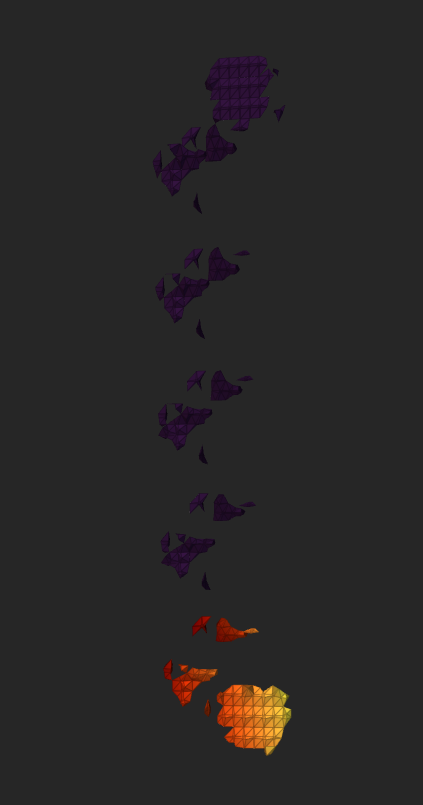
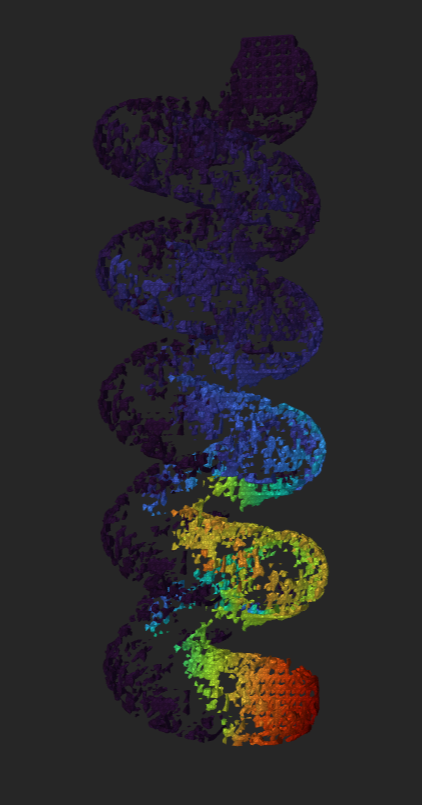
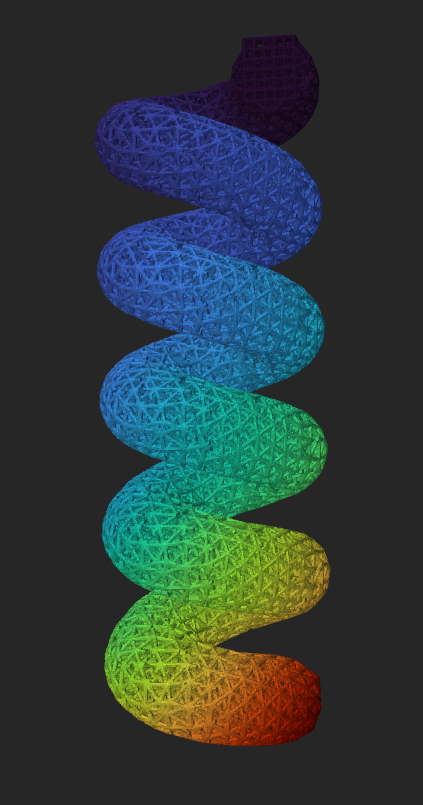
Result has visual artifacts or missing sections: If your final result does not accurately reflect your original geometry, or if it appears incomplete, this is another sign that your maximum element size is too large and is unable to resolve all the features on your geometry. In the following example we can see the result of refining the maximum element size:
 |
 |
 |
Simulation completed but no results were rendered: nTop imports the static analysis results as a VTK file. Sileom Simulate places this result in the specified working directory. In some cases this file can be so large that nTop has difficulty importing it. If the resulting VTK file exists in the working directory but the results were not rendered then you can try to import the results manually using nTop’s Import Static Analysis Result block.